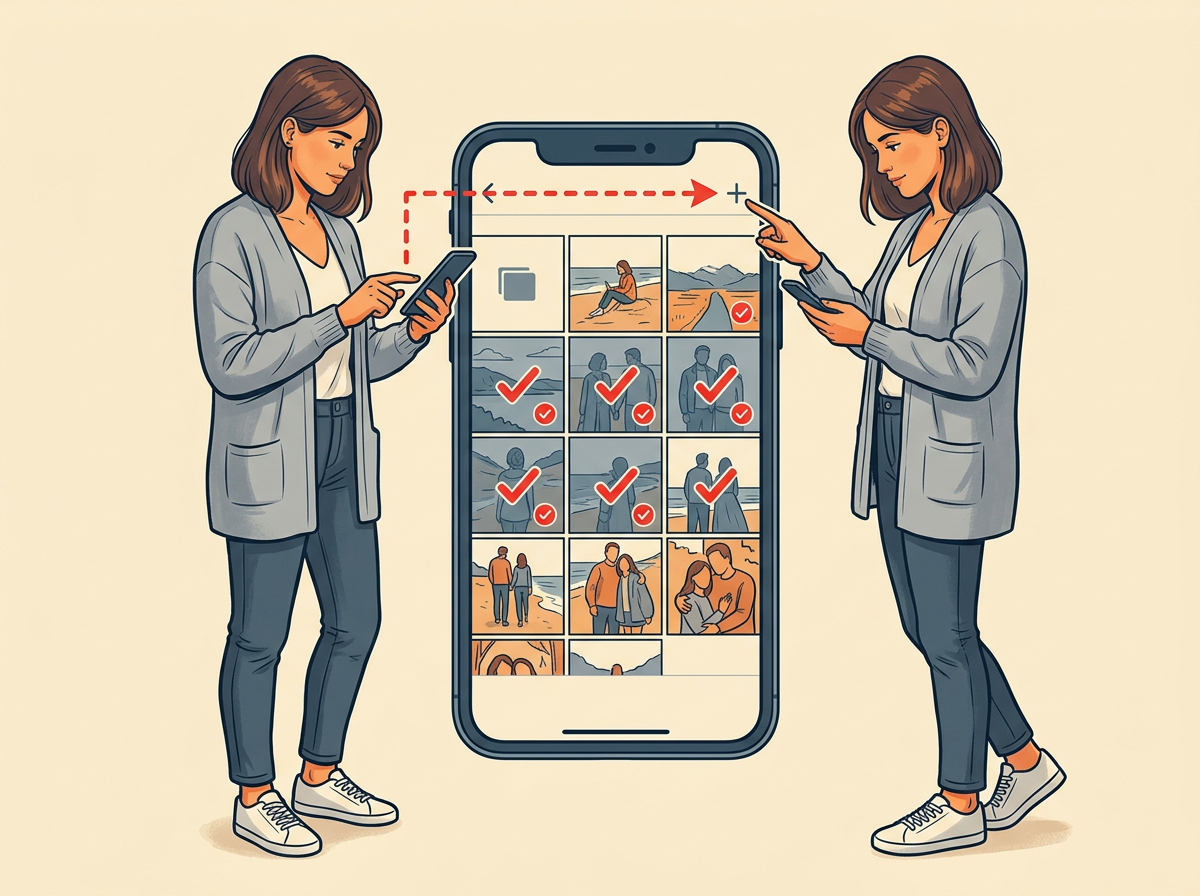



 How To7 steps
How to export Photomyne photos to shared album
For anyone who scanned old prints in Photomyne and wants those files inside a Shared Album family can open.
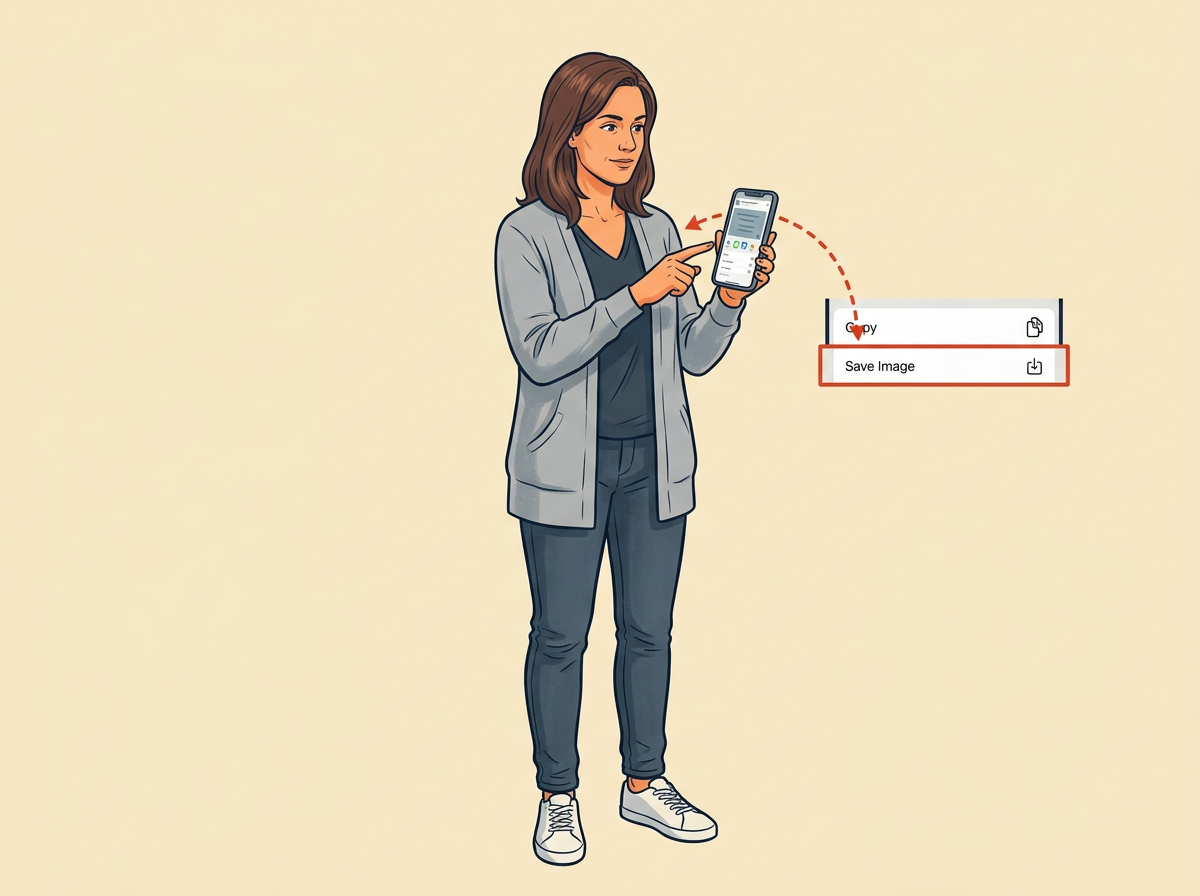
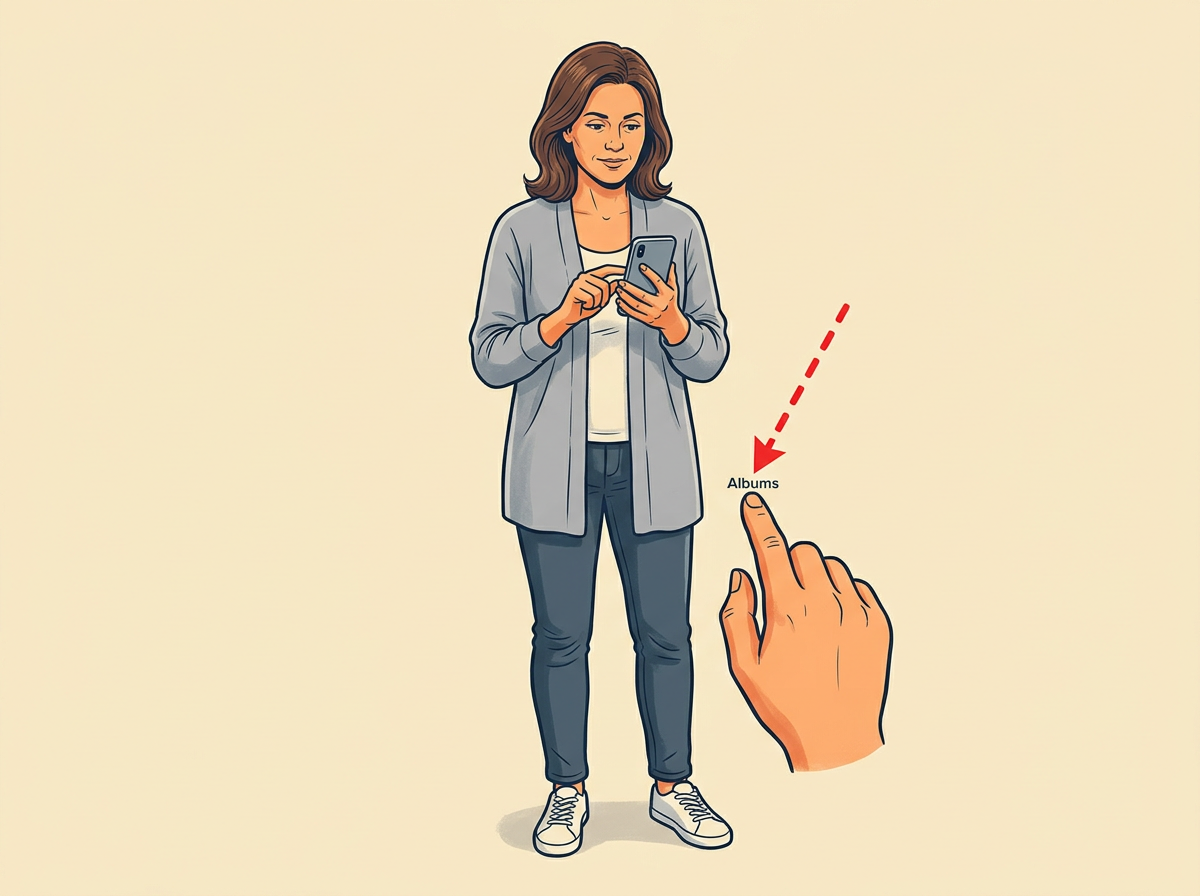
Every scan must sit in your Photos library first. Shared Album can only show what the library already holds.
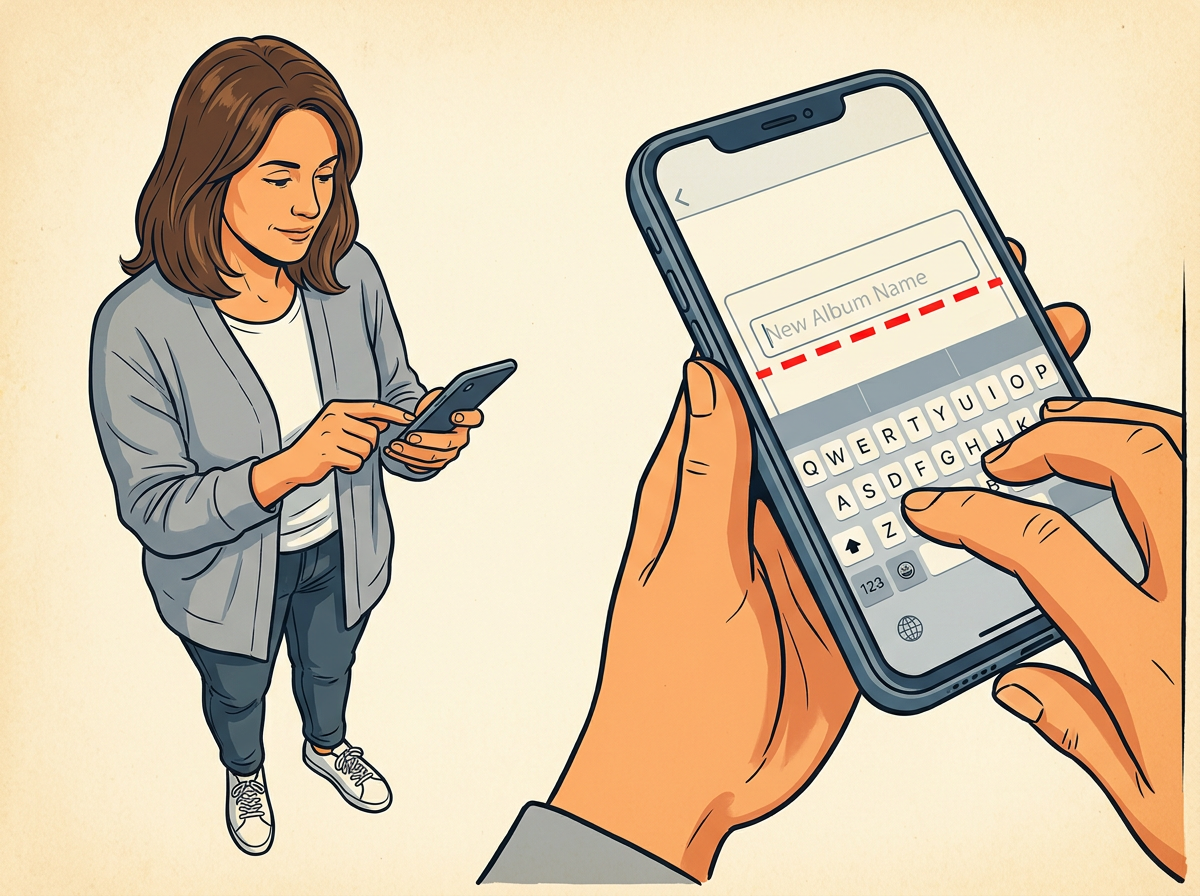
Have Photomyne open on your finished scans, iCloud Photos turned on under Settings, and the Shared Album title ready.
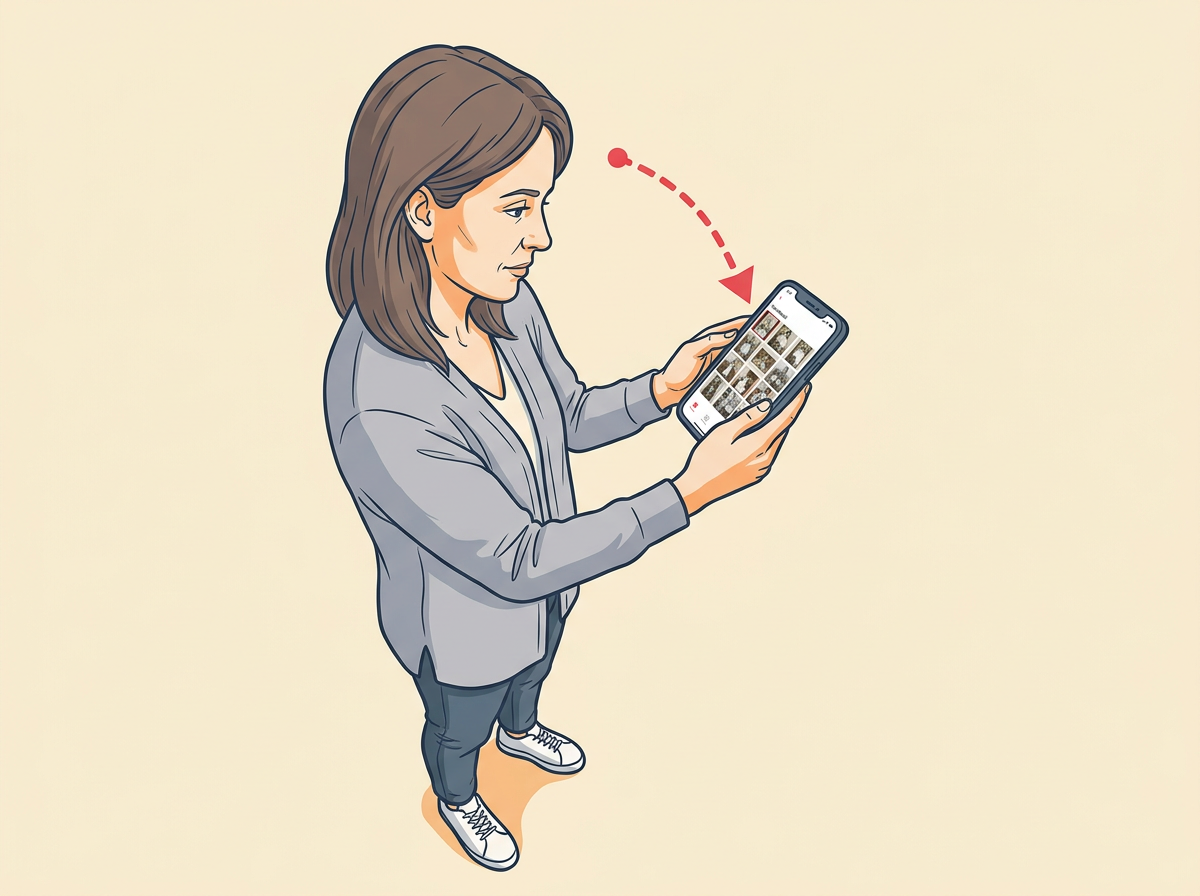
Step 01
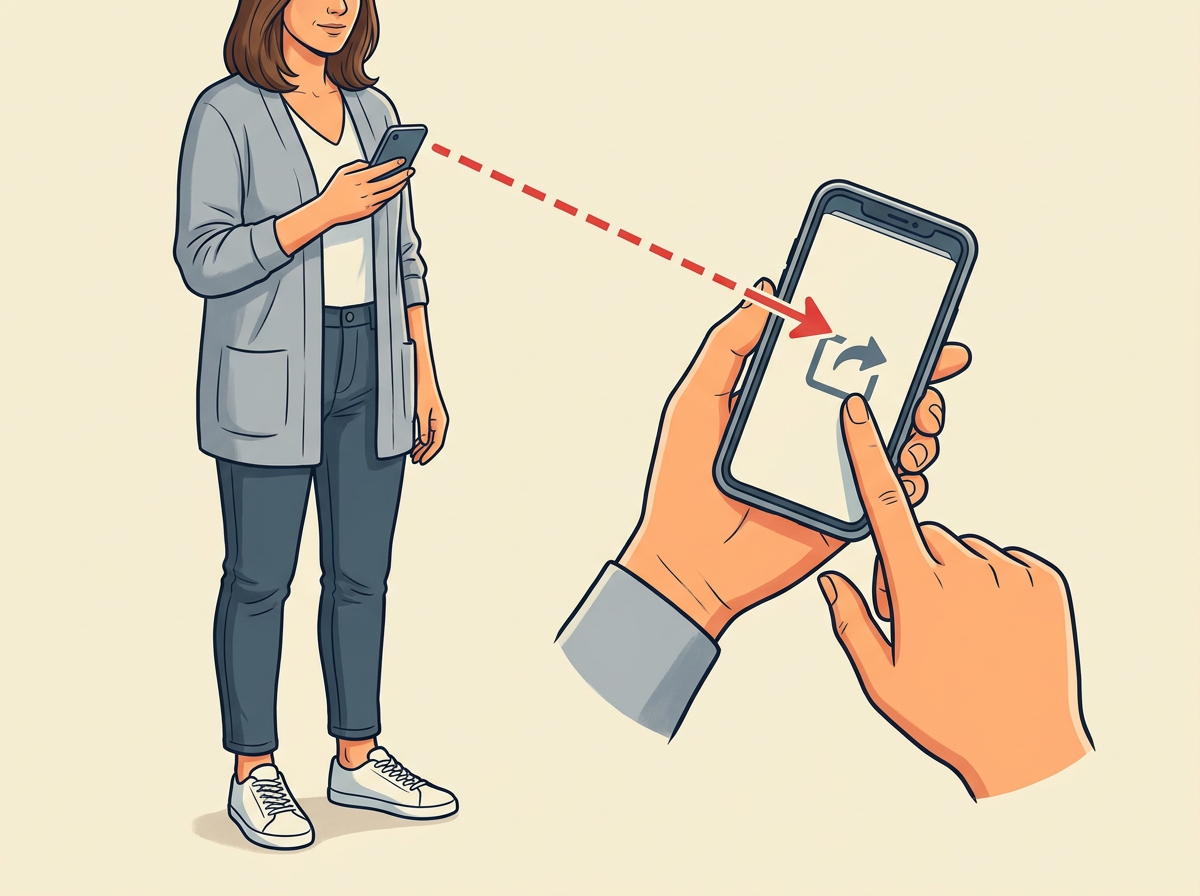
OPEN Photomyne until the scanned pictures fill the thumbnail grid.
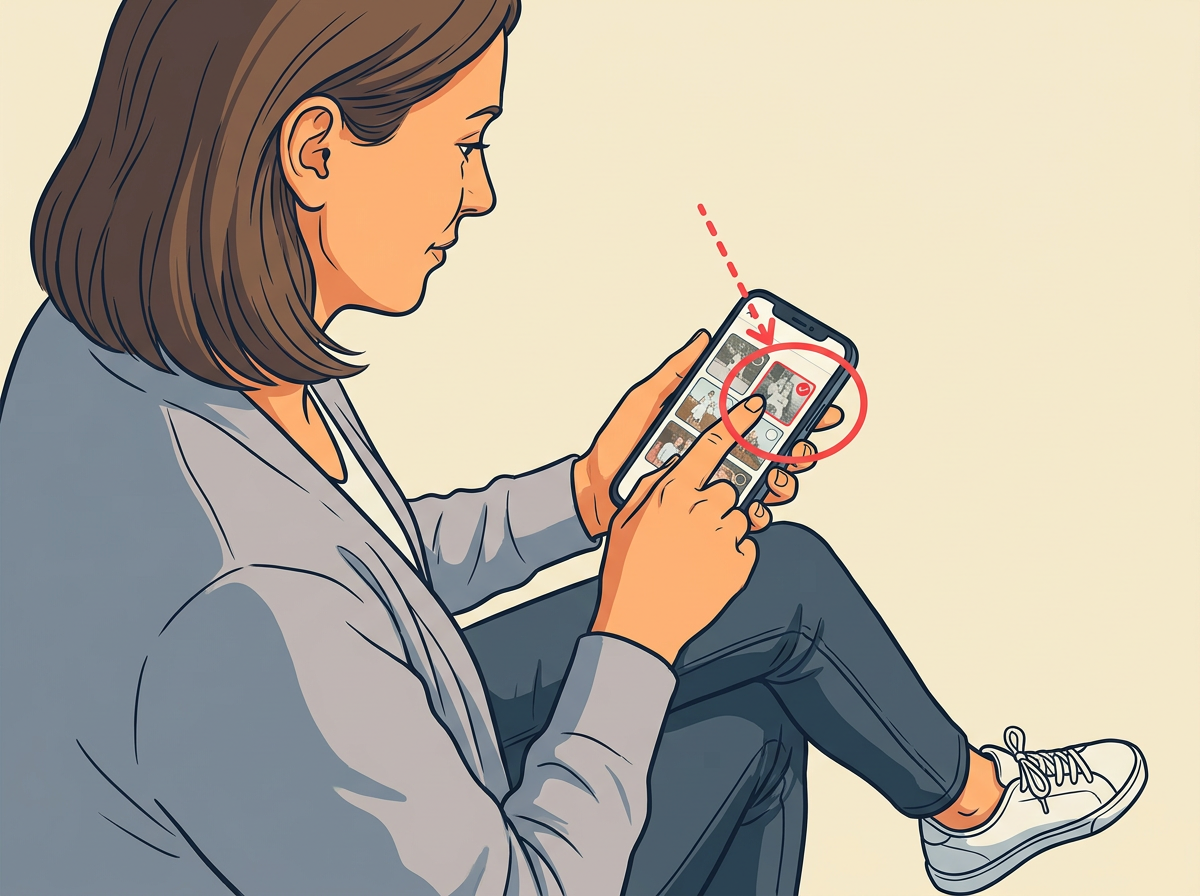
Step 02
SELECT each picture you want by tapping its thumbnail until a check mark lands on the corner.