



MKBHD reviews Apple's first touchscreen MacBook Pro OLED XDR
Brownlee tested Apple's first touchscreen MacBook Pro on launch day and said the feature remains ergonomically flawed while praising the lighter weight.
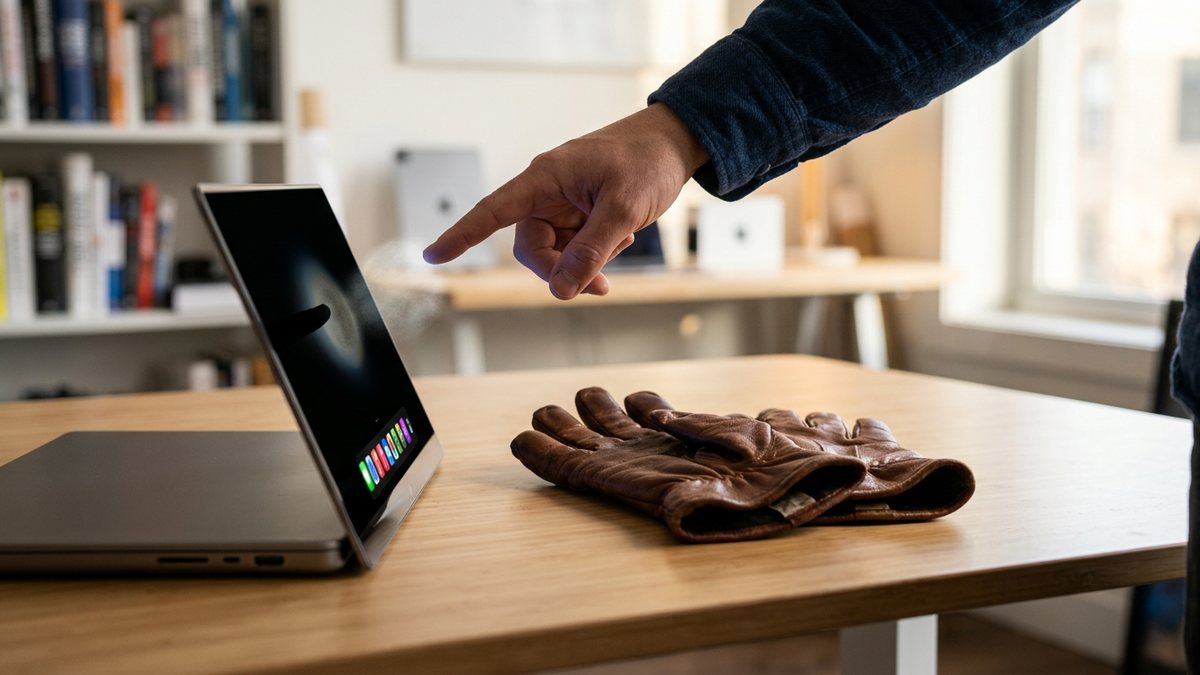
Marques Brownlee opened his MacBook Pro impressions by replaying an old Apple warning that vertical touch surfaces fail real use. “We’ve done tons of user testing on this, and it turns out it doesn’t work. Touch surfaces don’t want to be vertical. It gives great demo, but after a short period of time you start to fatigue, and after an extended period of time, your arm wants to fall off. It doesn’t work. It’s ergonomically terrible.” Then he said, “Sorry, I couldn’t resist.”
He posted the video to YouTube on October 29, 2026, the same day Apple unveiled its first touchscreen MacBook Pro. The channel description says only, “The first touchscreen Mac is here, and I have thoughts.”
Dexerto’s Calum Patterson, writing the day the video went up, reported that Brownlee has never been sold on touchscreen laptops. Patterson quoted him directly: “I never want fingerprints on my display. I never want the display wobbling around as I’m touching it. And I never want to hold my arm out and have my arm get tired.” Brownlee found the hardware responsive, with multitouch gestures and interface tweaks, Patterson wrote. He still rejected the premise. “It’s still kind of sloppy and messy to use it. But they’re not solving anything. Like they’re making it a little bit easier. They’re adapting for you, but they’re not solving anything.”
Apple’s MacBook Pro with PROLED XDR Display starts at $2,899 for the 14-inch model. The 16-inch starts at $3,399. Both run M5 Pro or M5 Max chips behind a tandem OLED panel. Apple rates that screen at 2,000 nits, a 10,000,000:1 contrast ratio and 120Hz, and claims up to 24 hours of battery life.
Weight, not touch, is what Brownlee said would actually move him. The 14-inch M5 Pro model weighs 3 pounds, down from 3.5. The 16-inch weighs 4 pounds, nearly a pound lighter than before. “I’d upgrade for the weight savings before I would for the touchscreen,” Dexerto quoted him. Mark Spoonauer of Tom’s Guide, after his own hands-on the same day, called the tandem OLED colorful and bright enough that his team had to turn a camera down to film it. He wrote that pinch-to-zoom, finger drawing and dragging timeline clips felt smooth. Apple’s launch announcement lists touch support in Notion, Canva, Zoom, Microsoft Office, Adobe Lightroom, Logic Pro, Pixelmator Pro and Final Cut Pro. There is no Apple Pencil support.
Outlets covering Brownlee’s video describe him demonstrating swipes and pinch-to-zoom, all ten fingers at once, a four-finger swipe to switch Spaces, windows flung sideways to tile like an iPad, and tiny traffic-light buttons that enlarge under a finger. He also tested the glass inside Xcode’s iPhone simulator. A Dynamic Island replaces the notch and holds only a camera and ambient light sensor; Face ID is still missing and Touch ID stays put. The glowing Apple logo returns on the lid, its brightness locked to the screen, which costs extra battery because OLED has no backlight to borrow. A nano-texture glass option is described as softer to the touch than glossy. On the logo’s return, coverage quotes Brownlee: “If I’m spending $3,000 on a new laptop, there can’t be no new color and then nobody can tell I bought the new one, right?”
Watch the video
Macbook PROLED XDR Impressions: They Said They Wouldn't!