




How to optimize Apple News publishing
For channel editors who already ship stories to Apple News and want steadier reads from cleaner packaging.
IJR · Oct 23, 2026 · 2 min read
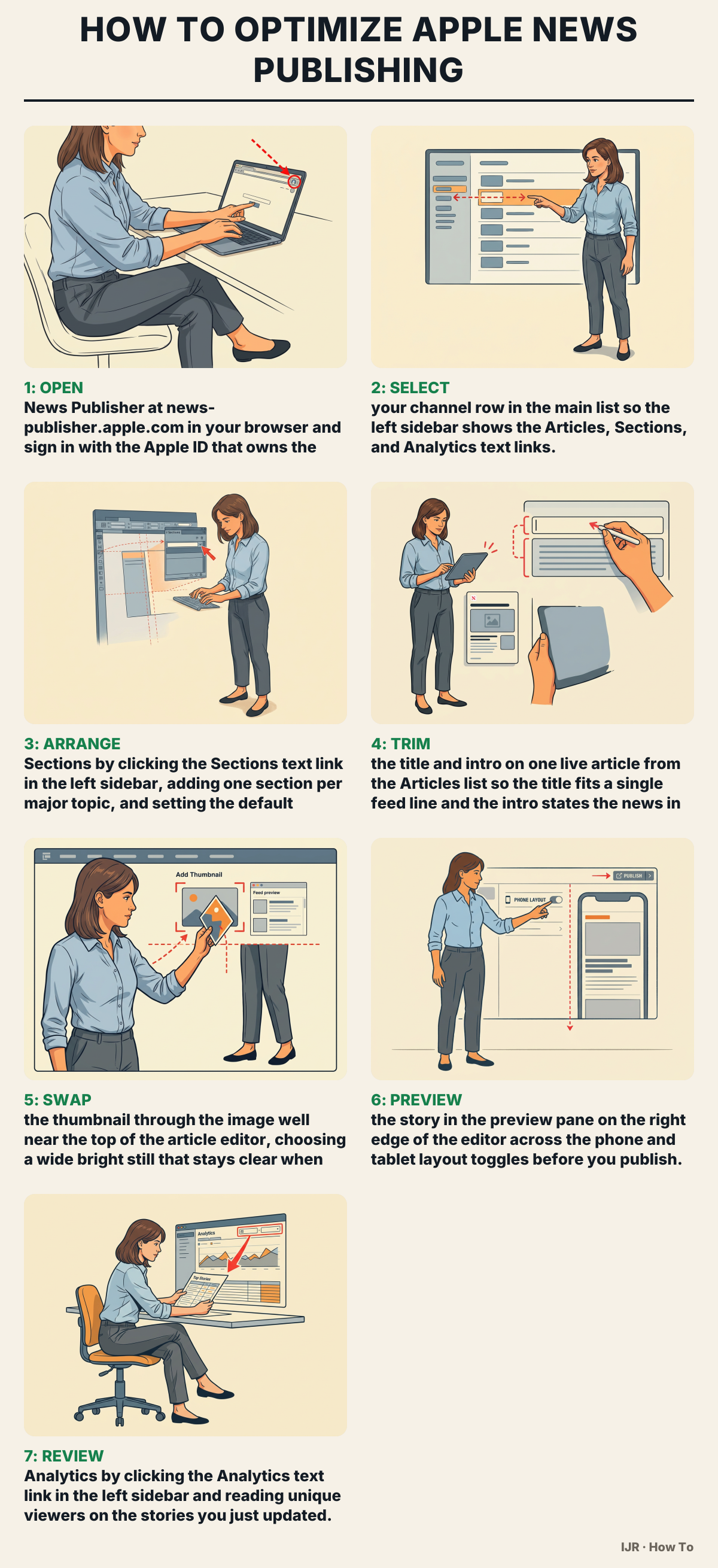
Clear titles, strong thumbnails, and tidy sections drive reach on the feed more than raw story count. Fixing packaging first beats posting more often because weak covers get skipped before anyone opens the body. Have Publisher access on your Apple ID, your live channel open, and two recent stories you can edit.
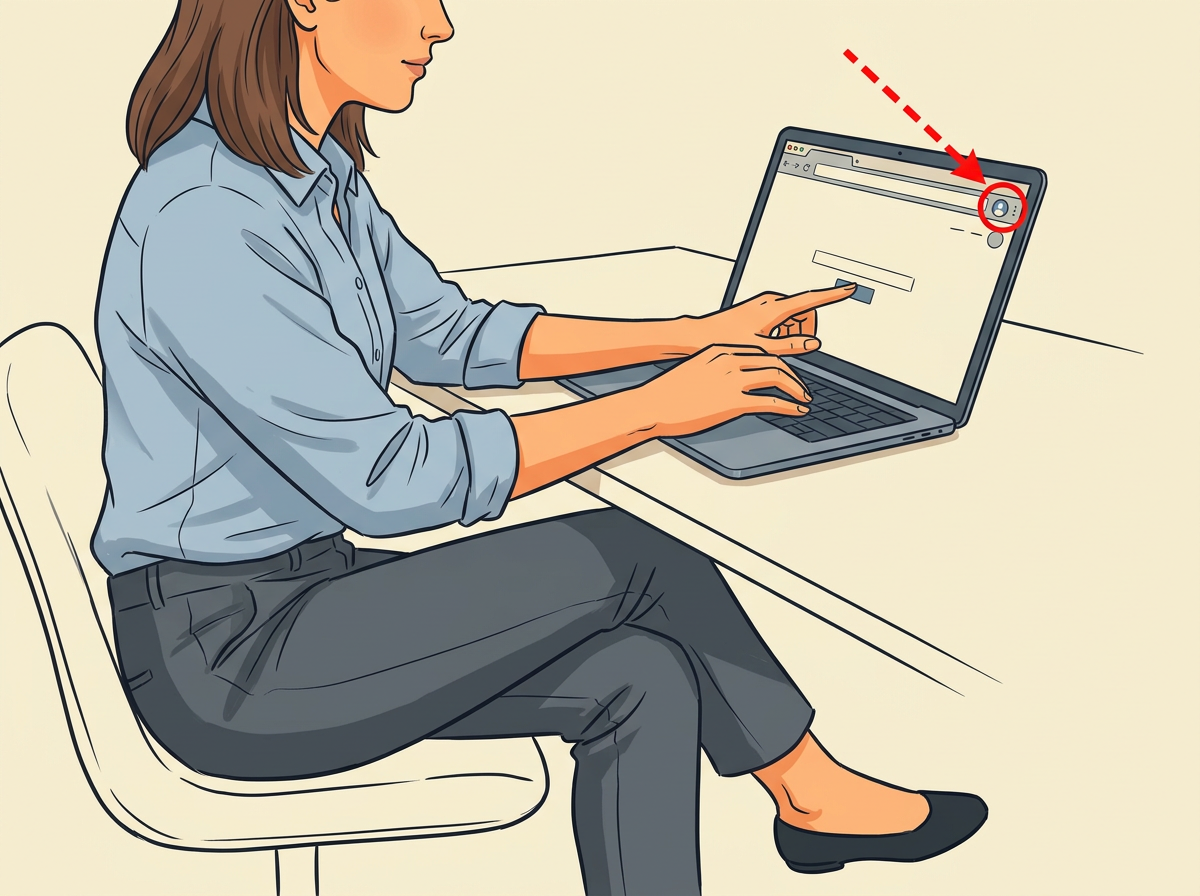
The Channels list fills the main pane when sign-in works. If the list is empty, open the circular avatar menu at the top-right corner of the bar and switch to the team that owns the channel.

The channel name locks into the thin top bar above the sidebar. You know it is correct when that name matches the public channel readers see in Apple News.
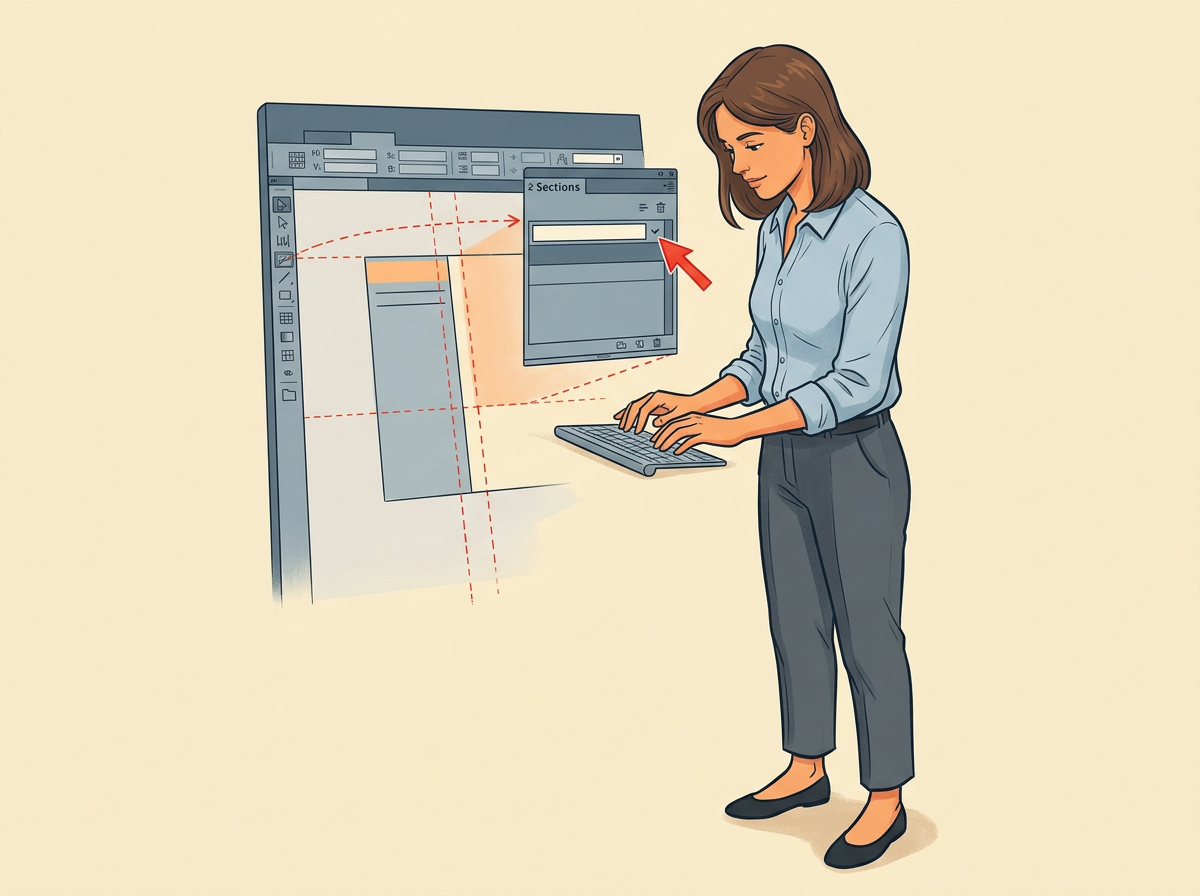
Give each section a short name a reader would tap. Save, then open a new draft and confirm the default section is already selected in the section control near the top of the editor.

Click the article row, then edit the title field at the top of the editor and the intro field directly under it. You got it right when the small feed card preview shows the full title with no ellipsis.
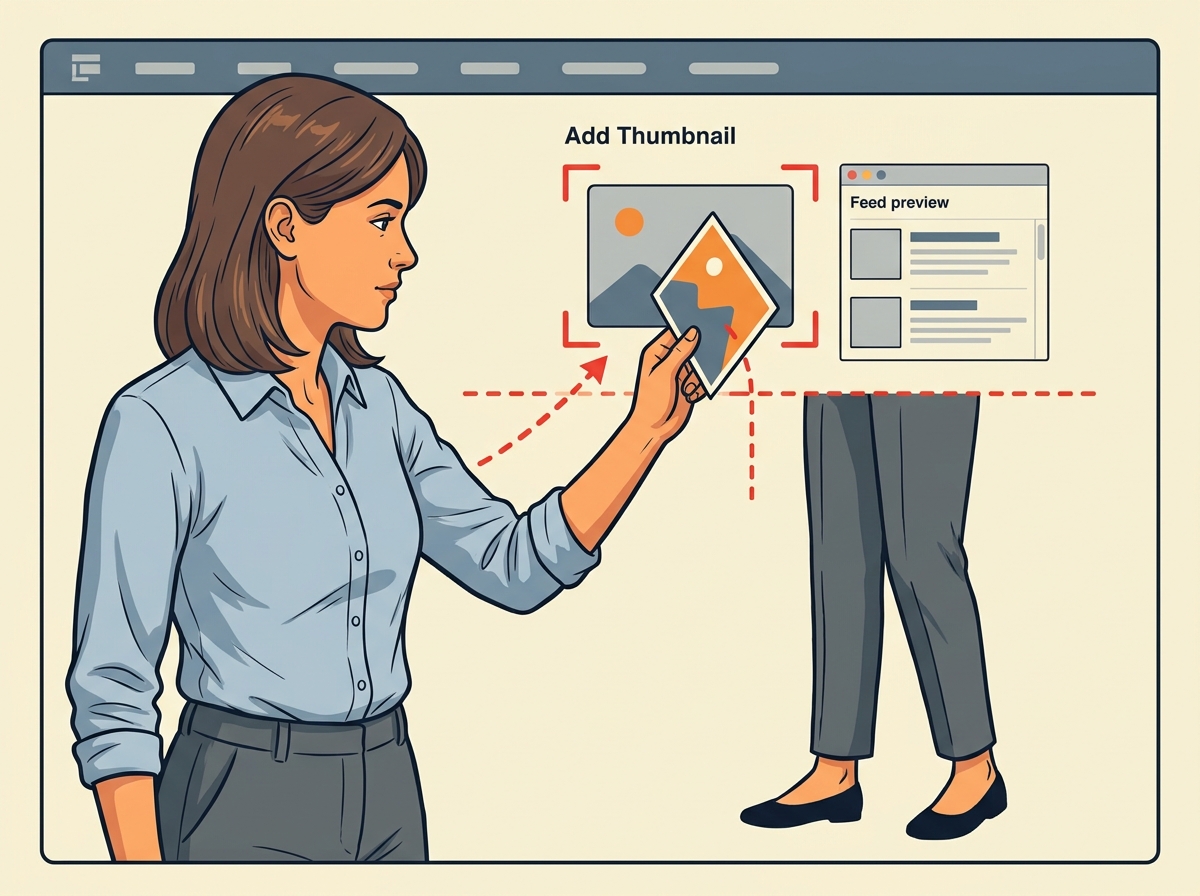
Click the image well, upload the frame, and confirm the crop. Check the small feed preview beside the editor; faces and key shapes must stay readable at that size.

Use the device toggles at the top of that right pane. Fix any clipped headline or broken stack you see on the small phone layout, then publish the update from the control at the top-right of the editor.
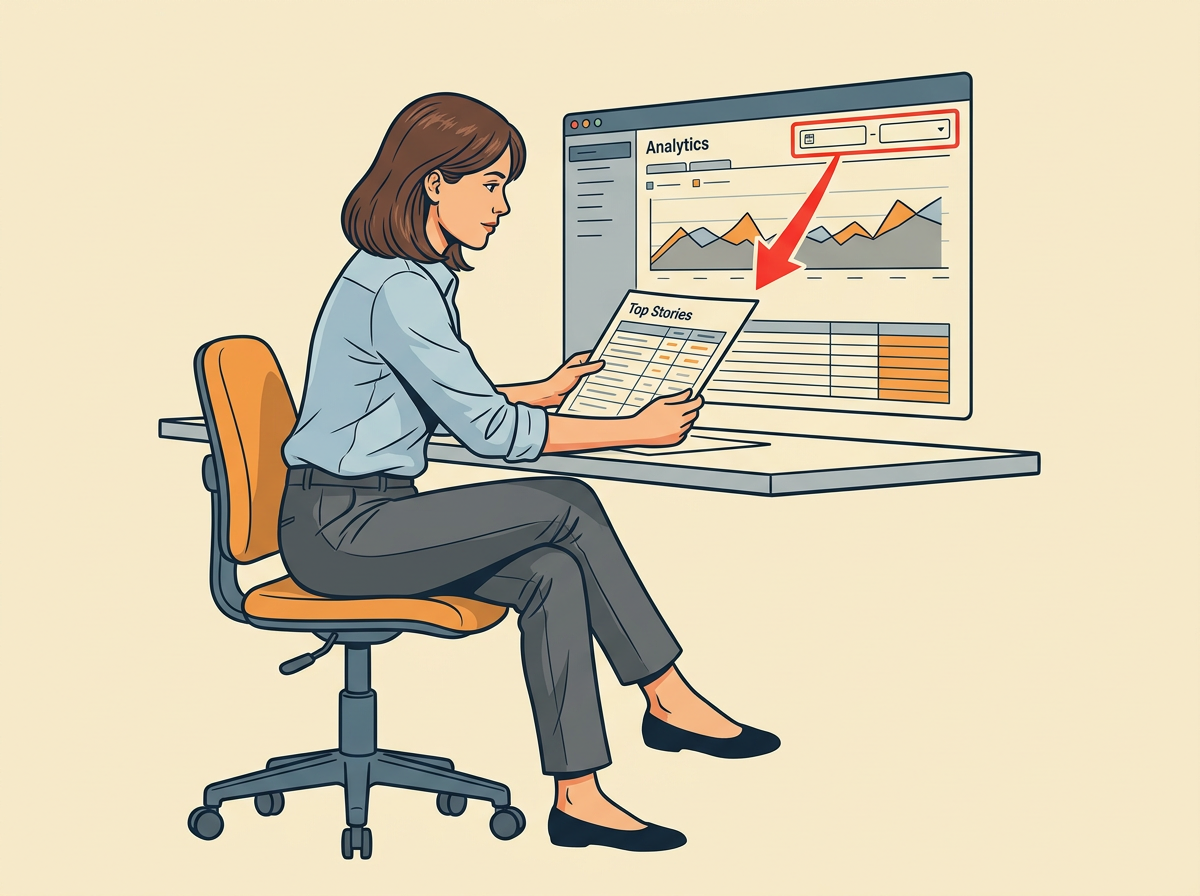
Set the date range from the control above the charts. Use the top stories table to spot which revised title and thumbnail climbed so you can reuse that pattern.
The most common mistake
The most common miss is a dark or busy thumbnail that turns to mud at feed size. Swap in a brighter wide crop and recheck the small feed preview before you publish.
Pro tip
Batch-export the next five thumbnails at one matching wide size from your photo tool, then drop each file straight into that article’s thumbnail well so the feed cards match.